Admin and settings
Security and sign-in
Passwords, email verification, signing out, and the security protections built into Workclave.
Passwords
- Your password needs at least 8 characters.
- Use a password that you do not use anywhere else.
Workclave does not have a self-service password reset yet, and changing your password from Settings → Security is not active yet. Contact support for help.
Sign in and sign out
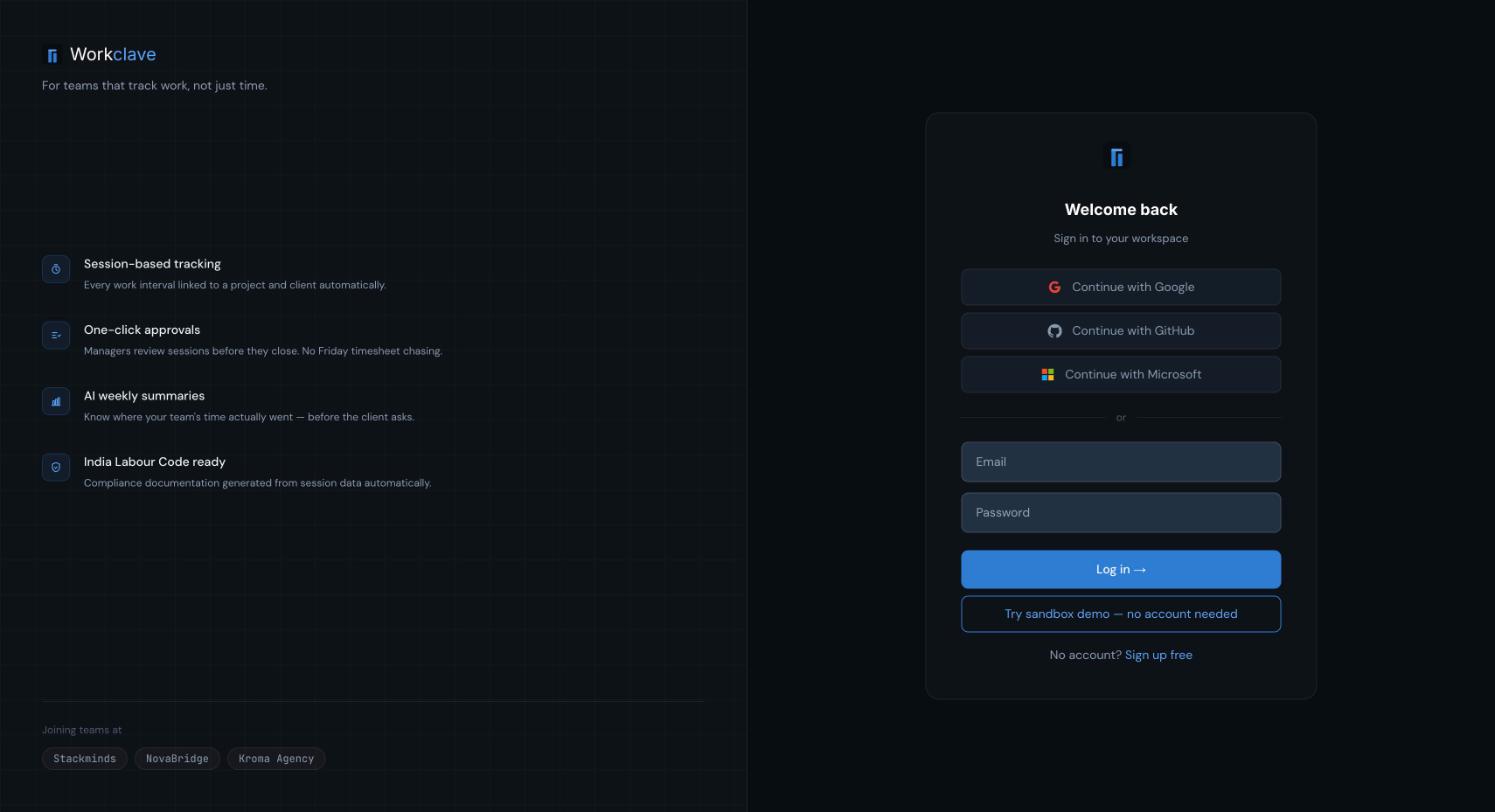
- Sign in with your email and password, then click Log in →.
- To sign out, click your initials in the top bar and then Logout.
- Workclave keeps you signed in for up to 7 days on the same browser. Always sign out on a shared computer.
- Signing in with Google, GitHub or Microsoft is not available yet.
Email verification
- The sign-up verification link works for 24 hours.
- The 6-digit code for creating a team workspace from Explorer mode works for 20 minutes and one try.
The Security tab
Settings → Security is a preview. Change Password, 2FA, Active Sessions and Log out everywhere are not active yet.
Protections built in
- Nobody can approve their own sessions, leave, salary advance or payslip changes.
- The admin who calculates payroll cannot approve it when another admin exists.
- Bank details are encrypted and shown masked.
- Too many sign-in attempts in a short time are blocked for a while.
- A deleted or disabled account cannot sign in.
Related articles
Create your account and sign in
Sign up with your email, verify your address, and sign in. Learn how work email and personal email accounts differ.
Privacy and your data
Manage marketing emails, download a copy of your data and delete your account.
Troubleshooting common messages
What Workclave's error messages mean and how to fix them, grouped by area.